The Appliance Paperwork Problem Is Not Really a Paperwork Problem
You know that moment when something breaks and you need the model number?
Suddenly you're lying on the kitchen floor, holding your phone flashlight at a weird angle, trying to photograph a sticker the manufacturer thoughtfully placed against the wall. The dishwasher is judging you. The dog is offering no assistance.
The annoying part is that you've probably saved this information before.
The receipt is in email. The manual is in Downloads. The warranty is in a drawer. And the photo you took of the serial number is somewhere between 4,000 vacation pictures and a suspiciously large collection of screenshots.
Technically, nothing is lost. Practically, good luck.
The fix isn't to become the kind of person who enjoys color-coded binders. It's to keep the useful details attached to the actual thing they describe.
Start with one appliance, not the whole house
Pick something you're likely to need help with. The refrigerator, washer, water heater, or dishwasher is a good candidate.
Don't spend Saturday building an elaborate taxonomy. That sounds like a wonderful way to turn one chore into seven.
For that one appliance, capture the basics:
- What it is: brand, model, and serial number.
- Where it is: room or location, especially if you have similar devices.
- When you got it: purchase or installation date, if known.
- What goes with it: manual, receipt, warranty, and any service records.
- The details you'll forget: filter size, part number, installer, or an especially inconvenient shutoff location.
That's already a useful record. You don't need every field filled in for the record to earn its keep.
Take a picture of the label before you need it
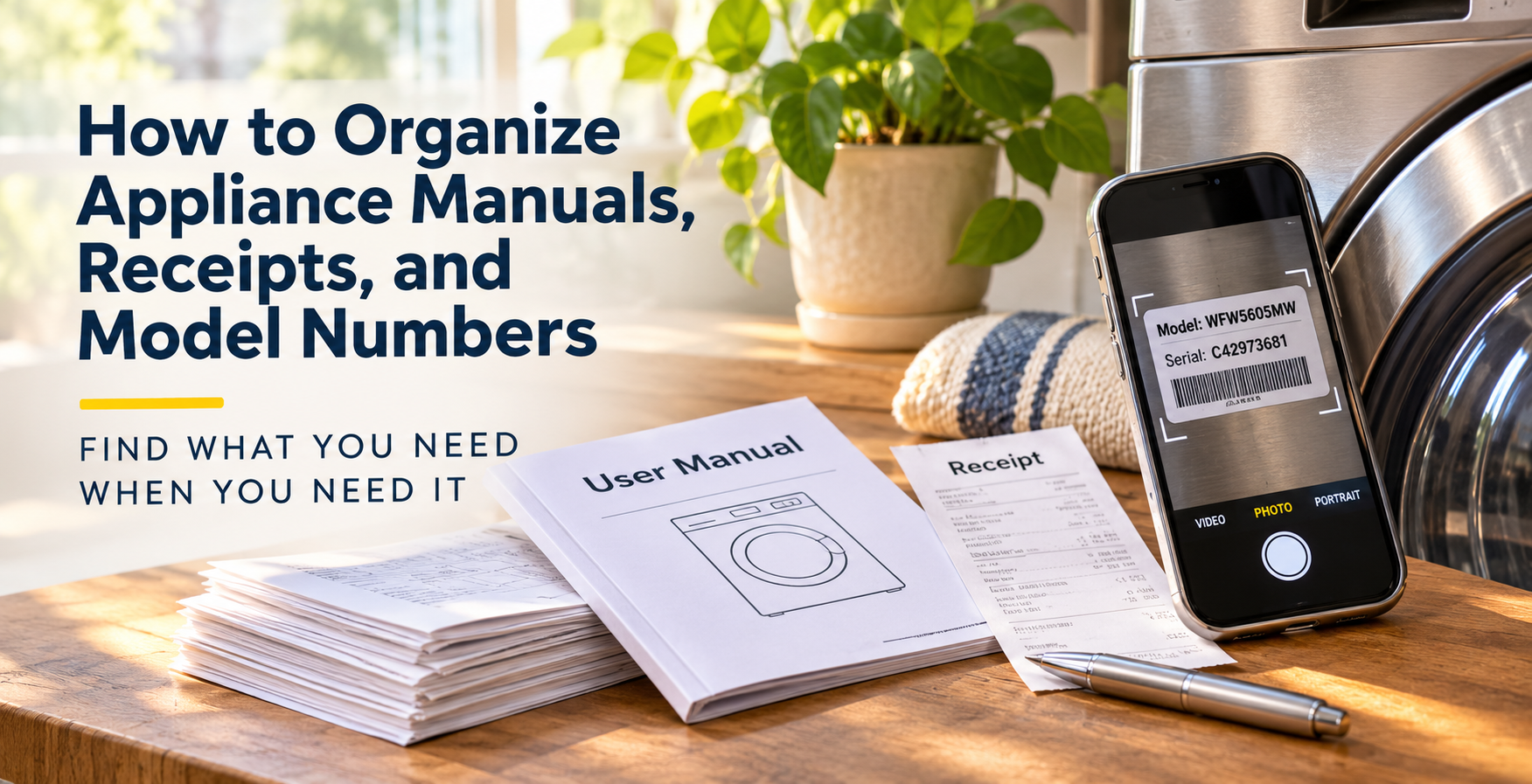
The manufacturer label is often the most valuable photograph you can take of an appliance. It's not glamorous, but neither is ordering the wrong water filter for the third time.
Take a clear photo where the model number is readable. If the sticker is in a tricky location, add a quick note: “Inside left door, near bottom hinge.” Future-you deserves that courtesy.
Check that you captured the whole number, including letters, dashes, and suffixes. Two models that look nearly identical can have different parts or instructions.
If you can't reach the label safely, don't move heavy equipment just for a photo. Use the paperwork you have and fill in the rest later.
Keep documents where the question starts
Imagine needing to replace a refrigerator filter. You shouldn't have to remember whether the answer is in a PDF, an email, or a text from the installer.
Open the refrigerator's record. Find the model number. Follow its official support link or manual. Confirm the part. Done.
That's the organizing principle: one appliance, one place to start.
A shared folder, a spreadsheet with links, or an inventory app can all work. What matters is being able to find the answer without conducting a miniature archaeological dig.
In HomeNog, the brand and model can help you find the manual, and you can keep photos, notes, attachments, and custom details connected to the item. But the habit matters more than the software: when you acquire or service something, add the new detail to that same record.
Make the record useful for somebody else
Here's a quick test. Could another person in your household find the washer's model number without asking you?
Could they tell which warranty goes with which appliance? Could they find the service company's name?
If the answer is no, you may have an archive, but you don't quite have a usable home record yet.
Give the item a clear name. Use recognizable filenames. Write notes as though somebody else will read them, because eventually somebody will.
Do a five-minute test
Pick one appliance and gather what you already have. Then pretend you've forgotten everything about it.
Can you locate its model number? Its manual? Its last service note? If yes, congratulations: your system works. If no, you have found the next small thing to fix.
You don't need a perfect inventory. You need an answer the next time the dishwasher decides to make a noise that sounds expensive.
Keep the details for one appliance together in HomeNog, then build from there. The goal isn't more paperwork. It's less looking for paperwork.