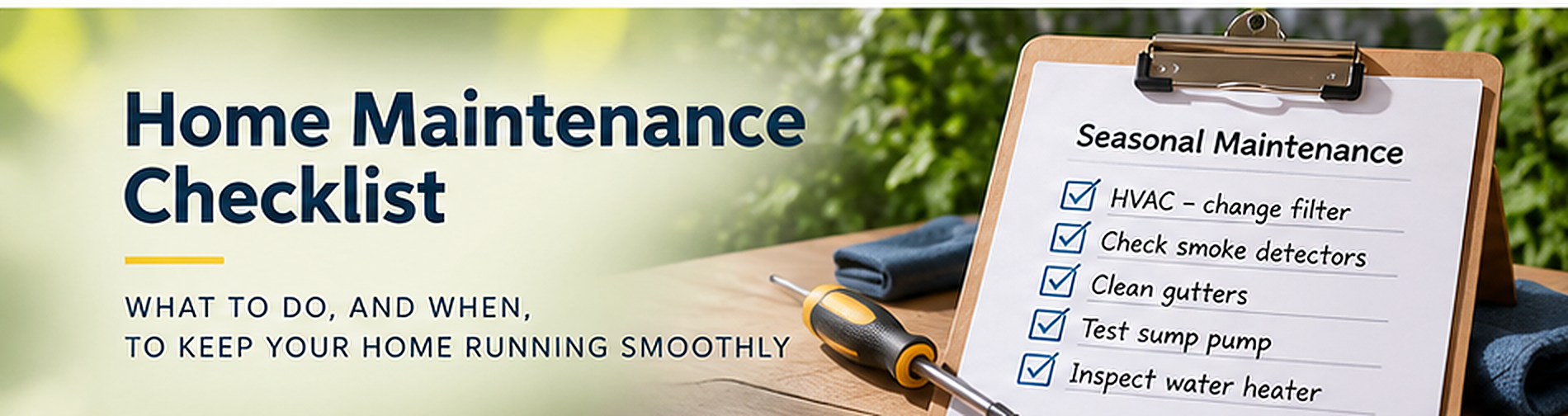
Home Maintenance Shouldn't Become a Second Job
Some people genuinely love a maintenance checklist.
They've got a spreadsheet, a calendar, a folder of appliance instructions, and possibly a small ceremony every time they replace an air filter.
For the rest of us, home maintenance usually works like this: notice something, think “I should probably deal with that,” and then remember it three weeks later while doing something completely unrelated.
The solution isn't to become a different person. It's to make the important tasks small, repeatable, and hard to forget.
Make a short list of what your home needs
Start with tasks that protect the stuff you own and the people living there. Your list will depend on your equipment, climate, manufacturer's instructions, and any professionals who service your home.
Common categories include:
- Heating and cooling equipment, including filter checks and professional service when appropriate.
- Water-related equipment, such as refrigerator filters and water softeners if you have them.
- Safety devices, following the manufacturer's testing and replacement guidance.
- Dryer vent and lint management, following the equipment instructions.
- Gutters, drainage, and visible exterior conditions.
- Seasonal checks for weather-sensitive equipment.
This is a starting menu, not a universal service schedule. A specific HVAC system or safety device may need different timing. Follow its manual and local requirements.
Pick a trigger that doesn't depend on memory
“Check the filter sometime” is not a plan. That's a wish wearing work boots.
A better task has three parts: the action, the interval, and the last completion date.
For example: “Check the HVAC filter every 90 days. Last checked October 1.”
The important word there is check. A filter may not need replacement at every interval, and manufacturer guidance and real-world conditions should determine what happens next.
For annual tasks, set a recurring calendar reminder or use an app that knows when the next one comes due. For tasks completed by a professional, note the service date and set the next reminder based on their recommendations.
Put the reminder near the equipment record
A calendar entry saying “maintenance” is not particularly helpful when you've forgotten which thing it refers to.
Link the task to its appliance, room, or home system. Then keep the model, instructions, and any service history nearby.
That way the reminder doesn't just tell you something needs doing. It tells you what, where, and which documentation you might need.
HomeNog supports recurring maintenance tasks on items, rooms, or as general home tasks, including due-soon reminders and a place to mark work complete. You're free to use an ordinary calendar, too. The winner is whatever gets used.
Record completion with one sentence
You don't need a novel about changing an air filter.
Write something like: “November 4: checked filter; still clean. Check again at next interval.”
If you paid someone, attach the invoice or save the company and service date. If there was a problem, note what they found and what comes next.
Over time, that gives you a useful record without turning household upkeep into an unpaid administrative internship.
Start with three tasks
Choose three recurring tasks you already know your home needs. Set reasonable intervals based on the appropriate guidance. Then keep those three current for a month before adding anything else.
Why only three? Because a system that survives normal life beats a beautiful system abandoned by Friday.
And if a reminder pops up while you're busy, reschedule it intentionally rather than dismissing it into the void. Future-you has enough problems.
Put your recurring home tasks next to the appliances and systems they belong to. HomeNog is built for exactly that kind of everyday home memory.